toreel · Creative system
One subject · many visual languages
Make the batch look like your channel
Automation should remove repetitive work, not creative direction. Before a run starts, you choose how the picture is built, who presents it, how the words appear, what the cover feels like and when every reel goes out.
One subject. Eight creative decisions. Then the system runs.
Layout, footage, motion, presenter, captions, cover, music and publishing rhythm stay separate, so each choice is made once for the whole series.
01Layout
Full frame for cinematic alternation, or split when presenter and evidence need to stay together.
02Footage
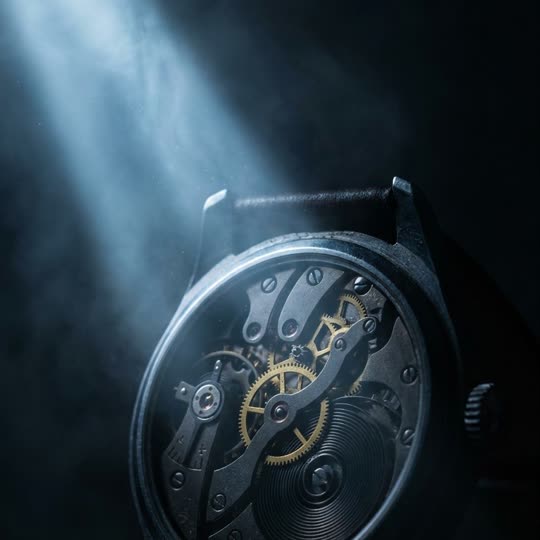
Your clips, licensed stock, generated stills or motion graphics. The choice belongs to each batch.
03Motion system
One complete language for typography, composition, data and movement — not a colour filter.
04Presenter
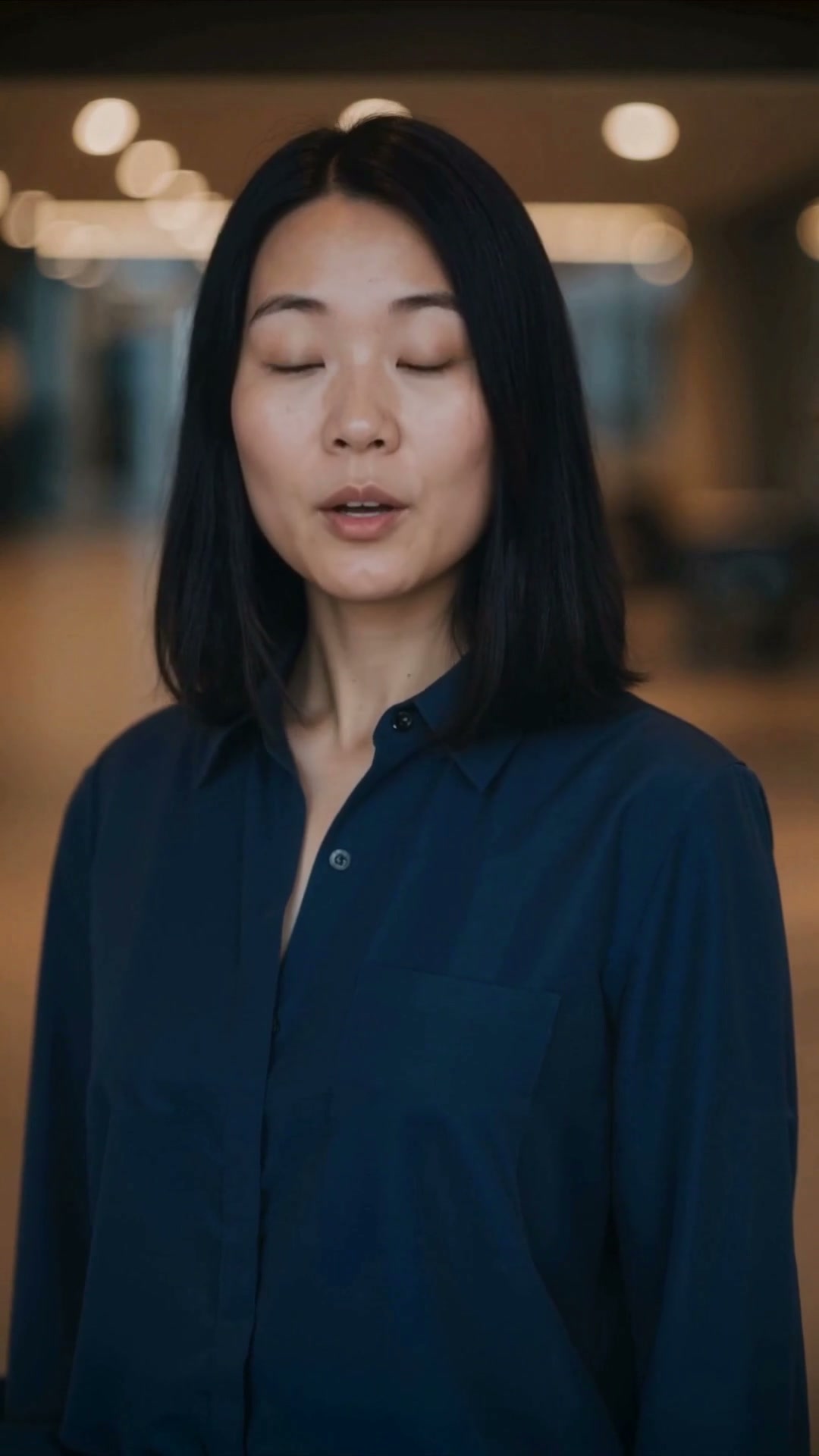
Your Digital Twin or a ready studio presenter, filtered to the orientation the layout needs.
05Captions
Sixteen typefaces, plus independent colour for the caption and the word being spoken.
06Cover
Ten image worlds and a separate headline face, previewed as the first thing somebody sees.
07Music
Voice only, or a track under it with the level set for the whole series.
08Batch
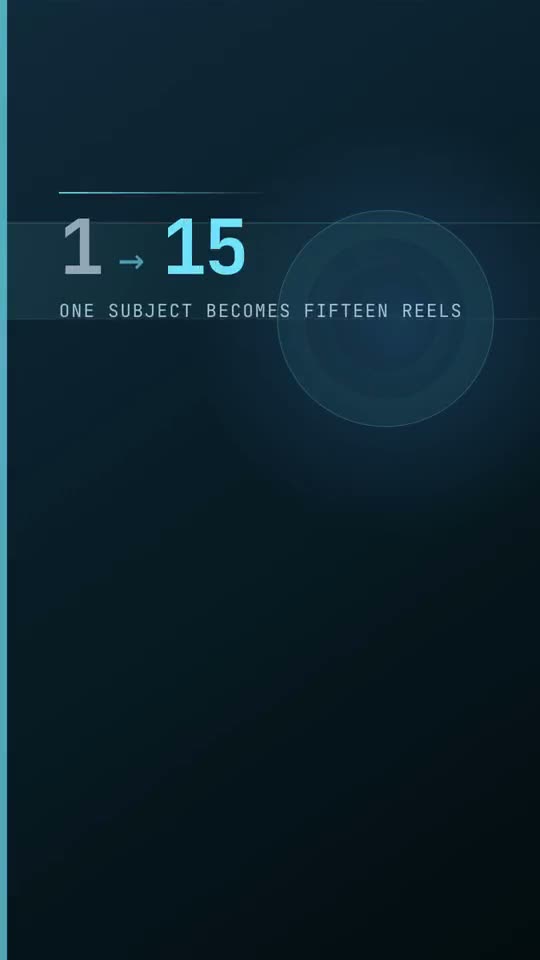
One to fifteen reels, with a start day and a publishing spread chosen before the run begins.

 The part